Change PHP Upload Limit for Website in CyberPanel
Change PHP upload limit is not big deal in CyberPanel you just need to follow this short article and all will go good. In cyberpanel upload_max_filesize is just a matter of few clicks. So now to increase upload limit just follow few steps:
Step-1 Login CyberPanel:
Login to your CyberPanel on port 8090 and any other if you have changed. URL will be like:
https://<your-ip>:8090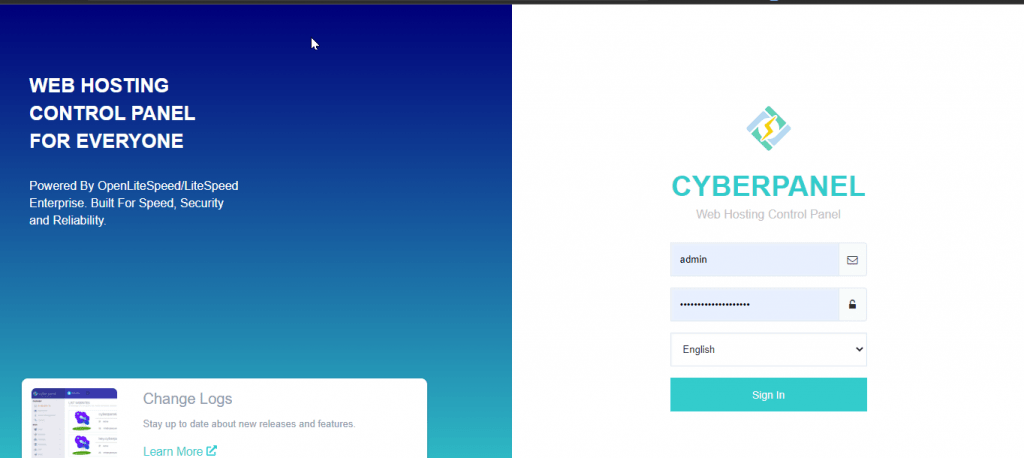
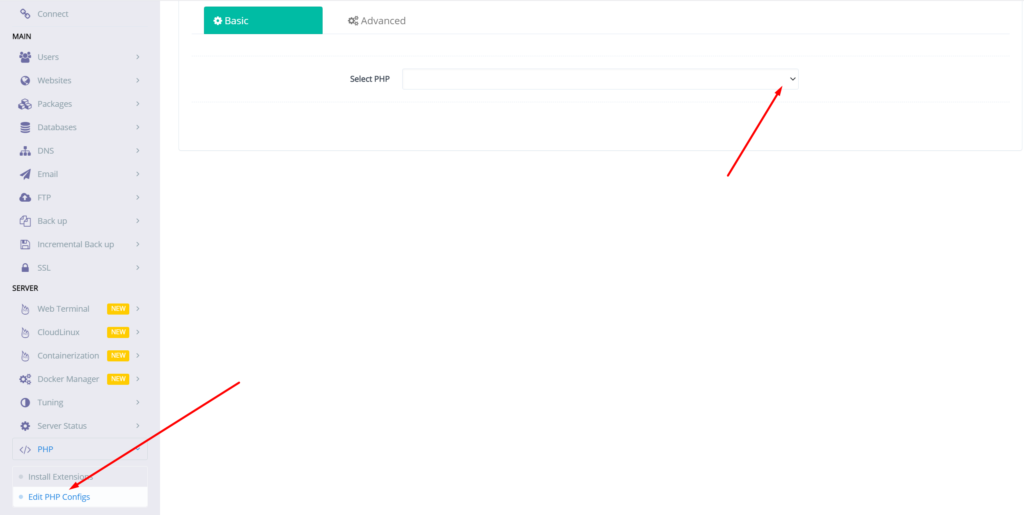
Step-2 Go to Edit PHP Configs
- Go to PHP → Eidt PHP Configs → Basic, and select the version of PHP on which you want to change values of the required data.
Step-3 Change PHP upload limit CyberPanel
- Set the limit in upload_max_filesize according to your choice and then click on Save Changes
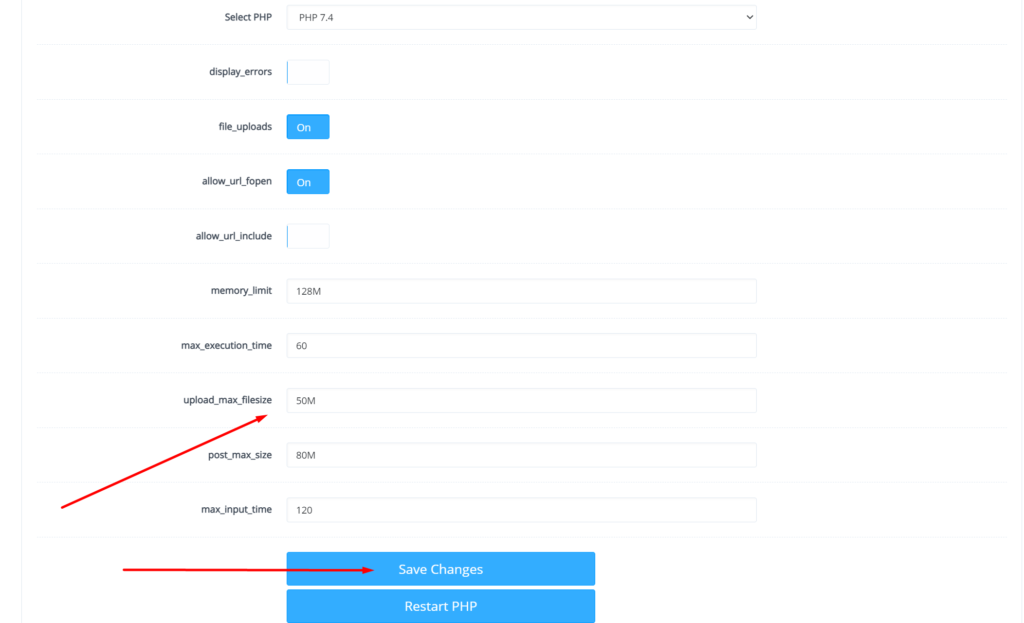
After doing that also press the Restart PHP button this thing will apply all changes on server level and you can now good to go with it.
We have an other article on this as well check here. For old version CyberPanel official guide is here.
You can follow us on Facebook too.